Start with a skill.
Eight focused guides. A useful result at the end of each.

Record PC Gameplay with OBS
Set up a gameplay scene, capture the right audio and make a short test recording before your first full session.
Windows
Make a USB Microphone Sound Better in OBS
Get a clearer voice recording with better mic placement, sensible levels and only the filters your room needs.
Windows / macOS / Linux
Edit and Export Your First Gaming Video in DaVinci Resolve
Practice on a short gameplay clip: choose the useful moments, balance the sound, add a title and export a finished video.
Windows / macOS / Linux
Create a YouTube Thumbnail in Photoshop
Turn one video idea into a clear thumbnail, check it at small size and save both an upload file and an editable version.
Windows / macOS
Record Gameplay on iPhone or iPad
Capture gameplay with the built-in screen recorder and avoid exposing notifications or unwanted room audio.
iPhone / iPad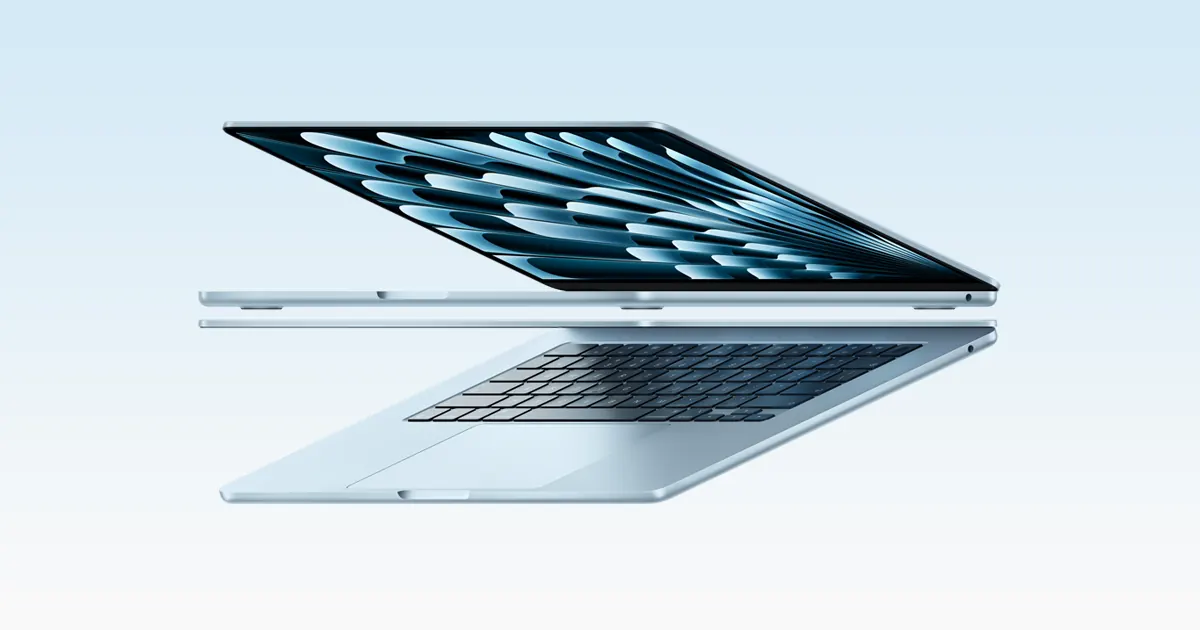
Record Your Screen on Mac
Record a clean screen demonstration with macOS Screenshot, choose where it saves and trim the finished clip.
macOS
Organize Creator Files Before Editing
Set up a small, repeatable folder structure so you can find source clips, reopen an edit and hand over the finished work.
Windows / macOS / Linux
Transfer Phone Footage Without Losing Quality
Copy original footage using the right route for your devices, then check the transfer before removing anything from your phone.
Android / iPhone / iPad / Windows / macOSWatch it come together.
Video walkthroughs from independent creators, grouped by setup.
Loading video tutorials...