Pick a MacBook by sustained workload, memory and storage—not only screen size.
◆
MacBooks are strongest for portable editing, Final Cut Pro, coding, battery life and an iPhone or iPad workflow. They are not iOS devices: MacBooks run macOS.
DECIDE BEFORE YOU SHOP
Know the trade-offs before buying
Memory and storage are not practical post-purchase upgrades. Buy enough at the start.
Game support is narrower than Windows and some creator utilities remain Windows-only.
MacBook Air is excellent for everyday creator work, but its fanless design is not intended for repeated long heavy exports.
MacBook Pro is the better choice for sustained 4K editing, motion graphics, more ports and professional external-display workflows.
Choose your Amazon storeWe never silently redirect you to another marketplace.
No store selectedChoose a region to create local affiliate search links.
Affiliate disclosure: As an Amazon Associate, Contear Studio earns from qualifying purchases. You pay no extra. Product configurations, prices and availability change.
COMPARE BY NEED
Choose the workload first
5 choices
BEST PORTABLE OPTIONPortable macOS tier
01
13-inch MacBook Air (M5)
Students, travelling creators, developers and editors working mostly with short-form or moderate timelines.
Choose your Amazon store above
BEST AIR FOR EDITINGLarge-screen portable tier
02
15-inch MacBook Air (M5)
Creators who want Air battery life and silence with more timeline and multitasking space.
Choose your Amazon store above
BALANCED PROEntry professional tier
03
14-inch MacBook Pro (M5)
Regular video editors and developers who need active cooling, a stronger display and more ports than Air.
Choose your Amazon store above
BEST FOR HEAVY EDITINGHigh-performance macOS tier
04
14- or 16-inch MacBook Pro (M5 Pro)
Professional editors, motion designers and developers with sustained workloads and multiple displays.
Choose your Amazon store above
SPECIALIST POWERTop professional tier
05
MacBook Pro (M5 Max)
Creators whose paid work already justifies extreme GPU, memory, 3D, AI or high-resolution multicam performance.
Choose your Amazon store above
Selected video guides
Learn the workflow before buying more
These are the specific tutorials selected for this creator path. Thumbnails are compressed and served locally.
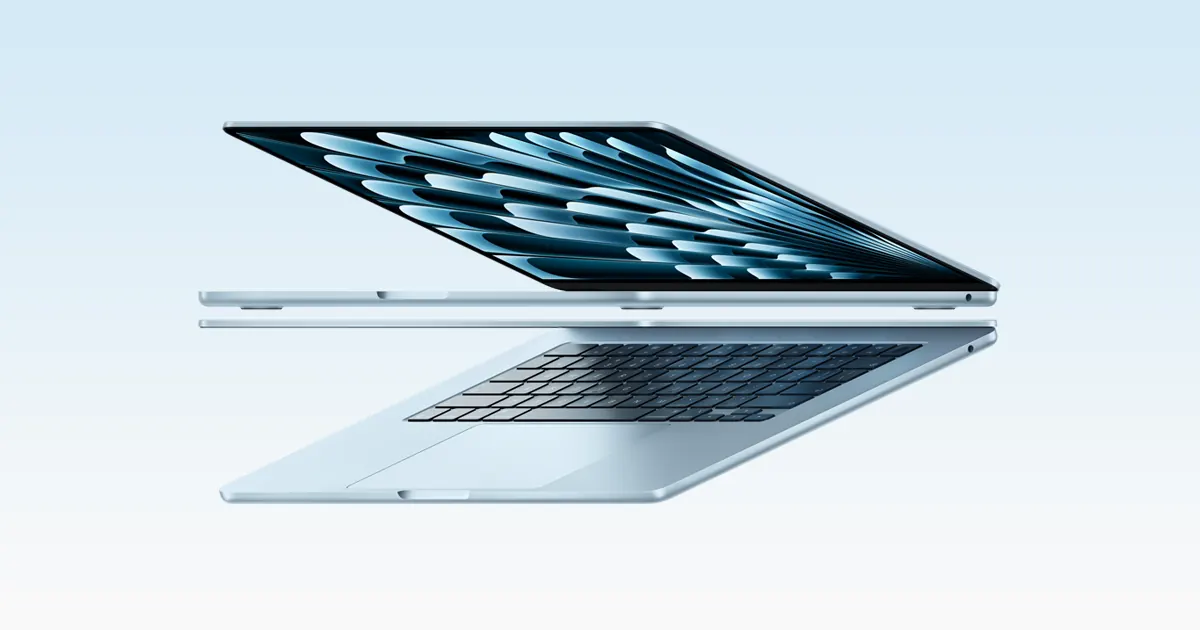 BEST PORTABLE OPTIONPortable macOS tier
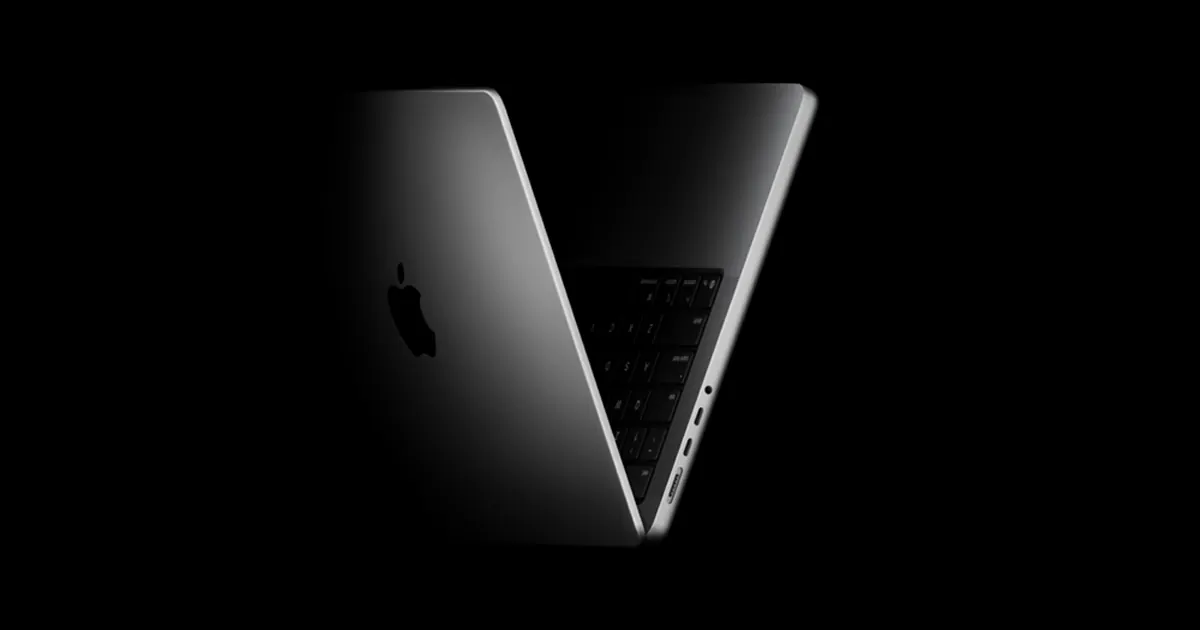 BALANCED PROEntry professional tier
 7:04
7:04 19:40
19:40